How to Train Video Editors to Match Your Brand Style
Sending editors to watch courses doesn't work. Learn how to train video editors for your specific style using references, detailed feedback, and structured workflows.


You found a good editor. They deliver on time, communicate well, and their technical skills are solid. But their edits don't quite feel like your brand yet. The pacing is slightly off. The text style doesn't match. The music choices are close but not right.
This is normal. Every editor needs training on your specific brand style - and the ones worth keeping will get noticeably better with each video. The question is whether you're training them effectively or just sending vague feedback and hoping they figure it out.
Here are six rules for training video editors that actually produce results.
Rule 1: One Editor, One Content Type
Short-form and long-form video editing are fundamentally different disciplines. A great TikTok editor thinks in hooks, fast cuts, and visual punch. A great YouTube editor thinks in narrative arc, pacing over 10+ minutes, and audience retention graphs. Asking one person to master both is asking them to be two different editors.
Assign each editor to one content type and let them specialize. Their speed and quality will compound much faster when they're repeating the same type of work and building muscle memory for that specific format.
For agencies: This means one editor per client or per content style - not one editor doing everything for three different brands. If you're managing multiple brands, this kind of specialization becomes part of your agency scaling strategy.
Rule 2: Know What You Want Before Training Anyone
You cannot train an editor on your brand style if you haven't defined it yourself. Before giving any style feedback, do this exercise:
- Watch 10–15 videos in your niche that you genuinely like
- Document what specifically appeals to you: pacing, transitions, text treatment, color tone, music energy, hook style
- Compile 3–5 reference videos that represent your target aesthetic
- Write a one-page brand style guide covering fonts, colors, logo placement rules, and audio preferences
This upfront investment saves dozens of revision rounds. Without it, you're training by reaction - saying “not this” over and over instead of showing “do this.” For more on how to set clear briefs and expectations, see our guide on how to work with video editors.
Rule 3: Give Detailed, Time-Coded Feedback
The quality of your feedback determines the speed of your editor's learning curve. Vague feedback teaches nothing. Specific, time-coded feedback teaches fast.
| Bad Feedback | Good Feedback |
|---|---|
| “The zoom feels weird” | “0:08 - Slow zoom is too gradual. Use a quick 0.3s snap zoom to match the energy of the voiceover.” |
| “Add more B-roll” | “0:15–0:22 - This talking-head stretch is too long. Insert 2–3 B-roll cuts showing the product in use.” |
| “The music doesn't fit” | “Music is too mellow for the hook. Use something with a percussive intro in the first 5 seconds, then transition to the current track at 0:06.” |
| “Make it more engaging” | “0:00–0:03 - Add a text hook overlay before the speaker starts. Something like 'This changed everything' in bold with a zoom-in effect.” |
The investment in detailed feedback pays off exponentially. After the first 3–5 videos with this level of specificity, a good editor internalizes your preferences and starts making the right choices on their own. Tools like Timeliner.io make time-coded feedback effortless - reviewers comment directly on the video timeline instead of describing timestamps in text.
Rule 4: Track Learning Over Time
Not every editor learns at the same pace. After 5–10 videos, you should be able to tell whether your training is working.
Signs the editor is learning:
- Revision rounds decrease with each video
- They anticipate your preferences before you mention them
- First cuts get closer to final quality over time
- They start suggesting creative ideas that fit your brand
- They reference previous feedback when making decisions
Signs the editor is not learning:
- Same feedback notes keep appearing on every video
- Revision count stays flat or increases
- They don't apply lessons from one video to the next
- Quality is inconsistent - good one week, off the next
- They need the same things explained repeatedly
If you're seeing the second list after 10+ videos, it's time to consider whether this is the right editor for your brand. It may be worth going back to the hiring process and testing new candidates.
Rule 5: Show Them What Performs
Most editors never see how their work performs after delivery. They edit, deliver, move on. This is a missed training opportunity.
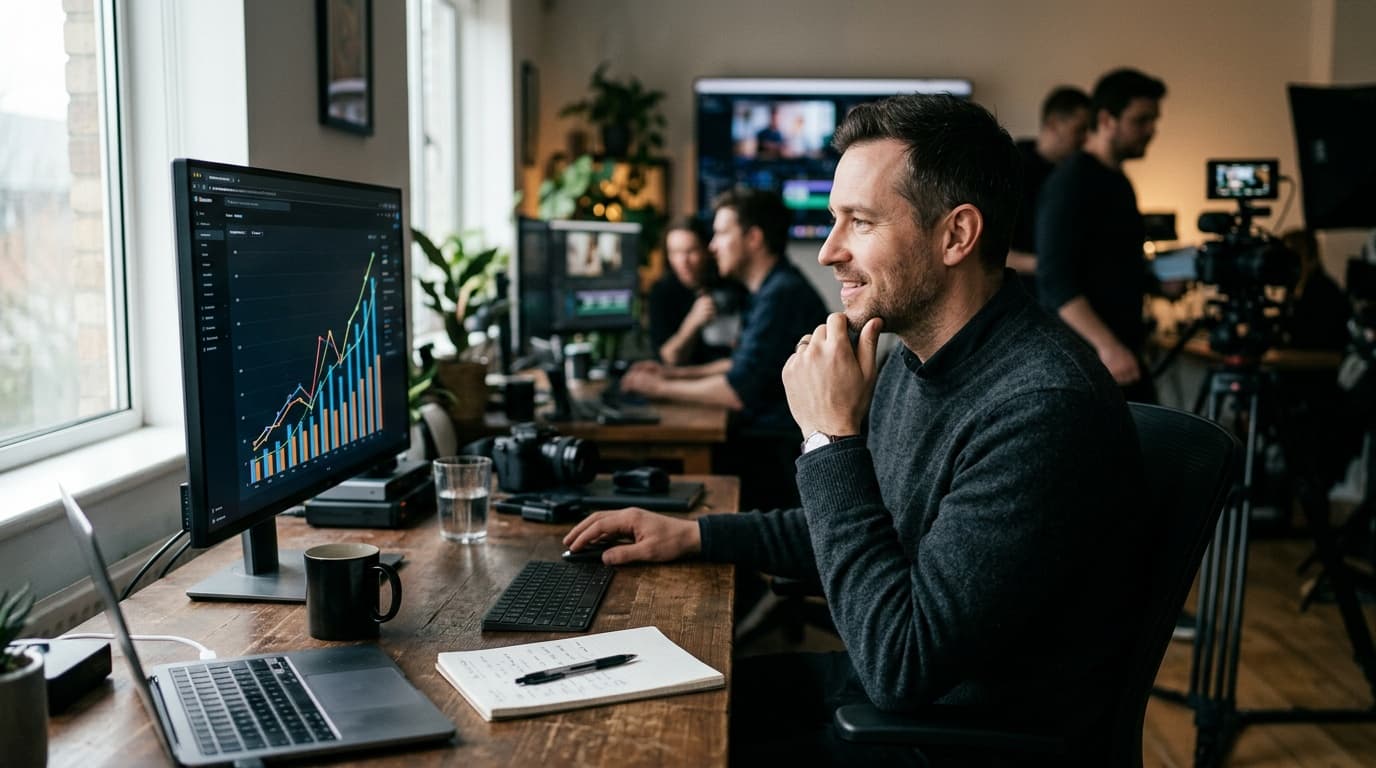
Share performance data with your editors. Show them which videos got the most views, the best retention curves, the highest engagement. Let them see the connection between their creative choices and real results.
When an editor knows that quick-cut intros perform 3x better than slow fades on your channel, they'll start making that choice automatically. When they see that a specific text treatment drove higher watch time, they'll replicate it. Close the feedback loop between editing decisions and content performance.
If your videos aren't performing despite solid editing, the problem might be upstream of the edit. See our breakdown of why your videos aren't performing to diagnose whether it's a content strategy issue rather than an editing issue.
Rule 6: Pay Them Well - Or Lose Them
An editor who has learned your brand style is worth significantly more than a new hire. They know your preferences, your audience, your pacing. Replacing them means starting the training cycle from scratch.
Structure compensation to reward growth. As an editor improves and requires fewer revision rounds, their effective value to you increases. Reflect that in their rates. A 20% rate increase for an editor who halves your revision time is a net gain for you.
For detailed guidance on structuring compensation - from per-video rates to transitioning to monthly salaries - read our guide on how to pay video editors.