How Long Should It Take a Video Editor to Edit One Video?
Realistic editing timelines for short-form social media, YouTube, VSLs, and ad creatives -plus tips to speed up your editing workflow.



“How long should this take?” is the question every business owner asks about video editing - and the answer is almost never what they expect. A 60-second video does not take 60 minutes to edit. The real time depends on factors that have nothing to do with the final video length.
This guide breaks down realistic editing timelines for every major content type, what actually adds time to the process, and how to structure your workflow to get videos delivered faster.
Editing Time Isn't About Video Length
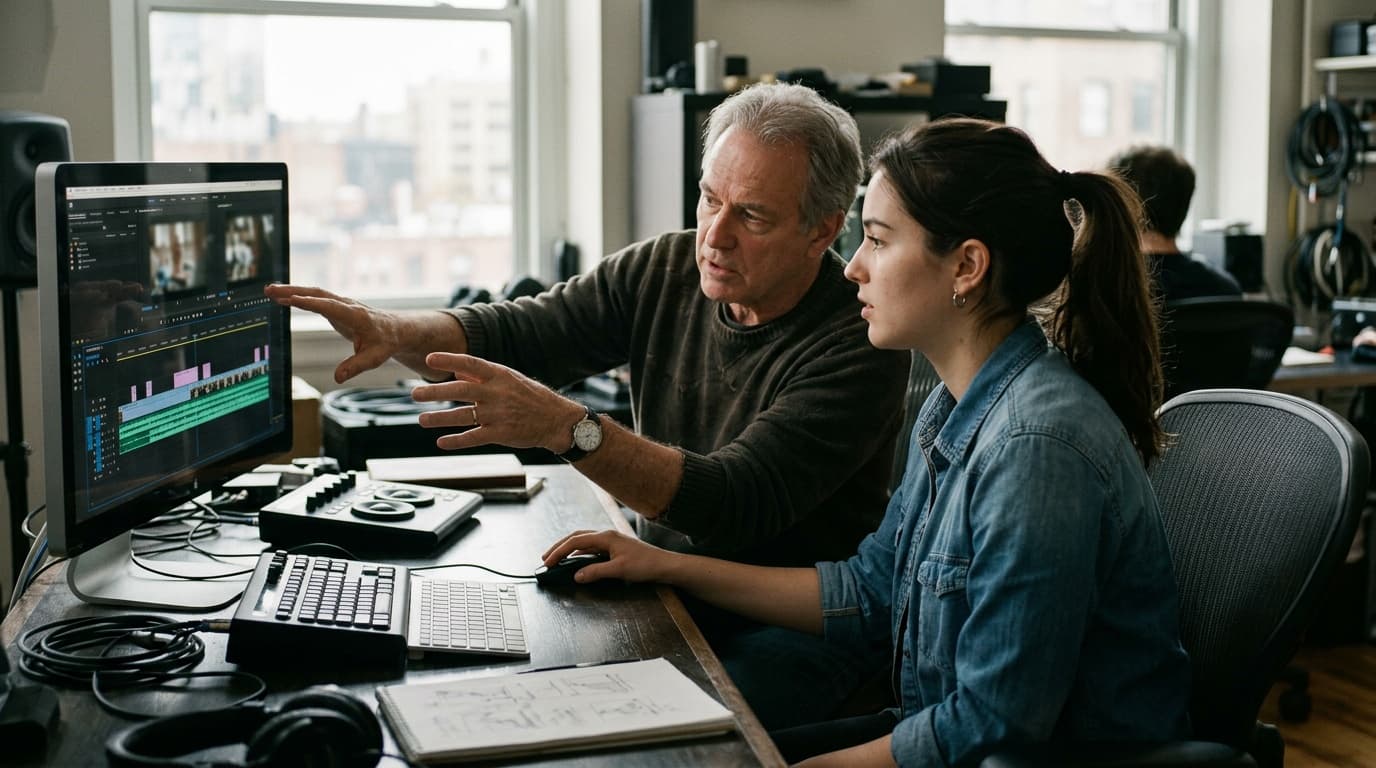
The biggest misconception is that a 30-second video takes half as long to edit as a 60-second video. In reality, editing time is determined by the number of decisions the editor has to make - not the runtime of the final output.
A 30-second video with motion graphics, custom transitions, and sound design takes far longer than a 2-minute talking-head video with basic cuts. The complexity per second matters more than total seconds.
The other major factor is whether the editor is trained on your style or working with you for the first time. A trained editor who knows your brand, your preferences, and your audience makes decisions faster because they're not guessing. For more on how to accelerate this learning curve, see our guide on training video editors for your brand style.
What Adds Time (and How to Reduce It)
Research and Asset Sourcing (30–90 Minutes Per Video)
One of the biggest hidden time costs in video editing is not the editing itself - it's the editor searching for assets. Finding the right stock footage, sourcing B-roll, selecting music, locating brand assets, and downloading reference material can add 30–90 minutes before a single cut is made.
How to reduce it: Provide all assets upfront in the brief. Upload footage, music, logos, and references to a single location. The less your editor has to search, the faster they edit. See our guide on working with video editors for brief templates that eliminate this bottleneck.
The Rough-Cut Editor Strategy
High-volume teams use a two-tier editing workflow. A junior editor (the “rough-cut editor”) handles the time-consuming mechanical work: syncing audio, laying out footage on the timeline, making initial cuts, and adding basic captions. A senior editor then takes the rough cut and applies the creative finishing - pacing adjustments, transitions, color grading, sound design.
This approach can cut total editing time by 30–40% because the senior editor skips the tedious setup work and focuses entirely on creative decisions. It also lets you pay junior rates for junior work and senior rates only for the value-add.
Realistic Editing Timelines
Short-Form Content
| Video Type | With Good Brief | Without Good Brief |
|---|---|---|
| Podcast/interview clip (30–60s) | 30–60 min | 1.5–2 hours |
| Talking-head with captions (30–60s) | 45–90 min | 2–3 hours |
| Mid-level with B-roll and graphics (30–90s) | 2–3 hours | 4–6 hours |
| After Effects / motion-heavy (15–60s) | 4–8 hours | 8–15 hours |
The difference between “with good brief” and “without” is striking. A clear brief with references, assets, and a script can cut editing time in half. This is the single highest-leverage thing you can do to speed up your content pipeline.
Long-Form Content
| Video Type | Estimated Time |
|---|---|
| Simple YouTube video (8–15 min, basic cuts) | 4–8 hours |
| Educational/tutorial with screen recordings | 6–12 hours |
| High-end YouTube (graphics, animations, B-roll) | 15–30 hours |
| Video sales letter (VSL) | 8–20 hours |
| Documentary-style | 40–100+ hours |
Long-form editing time varies dramatically based on production value. A simple cut-and-clean YouTube video is a completely different job than a documentary with multi-camera footage, interviews, archival material, and custom graphics.
Don't Forget Revision Time
Add 20–30% to any editing estimate for revisions. The first cut is rarely the final cut. Even with a perfect brief, there will be pacing tweaks, music changes, and detail adjustments.
If your revision rounds consistently exceed 30% of the initial edit time, the problem is usually upstream - either the brief is unclear or the feedback is too vague. Timestamped, specific feedback reduces revision time dramatically. For more on feedback systems, see our guide on streamlining your video editing workflow.
Other Factors That Affect Turnaround
Exclusivity
A dedicated editor who works exclusively for you will have faster turnaround than one juggling five other clients. Their mental context stays loaded - they know your brand, your assets, and your preferences without having to re-orient each time.
This is one of the key considerations when deciding whether to move an editor from per-video pricing to a monthly arrangement. See our guide on how to pay video editors for when that transition makes sense.
Time Zones and Communication Lag
If your editor is 8+ hours ahead or behind you, every feedback round adds a full day of lag. A revision that takes 30 minutes of actual work might take 24 hours of calendar time because the editor doesn't see your notes until their next morning.
Two strategies to mitigate this: overlap at least 2 hours of working time daily for real-time communication, or batch your feedback into a single comprehensive round instead of sending notes piecemeal throughout the day.
The Bottom Line
Editing time is predictable once you understand the variables. Here are four action items to apply immediately:
- Provide complete briefs: Script, assets, references, and brand guidelines in one place. This alone can cut editing time by 40–50%.
- Set expectations by tier: Define what a “basic,” “mid-level,” and “advanced” edit looks like for your content, and price accordingly.
- Budget for revisions: Always add 20–30% to the initial estimate. First cuts are starting points, not finish lines.
- Invest in training: A trained editor who knows your brand will be 2–3x faster than a new one working from scratch.
If you're managing multiple editors across multiple brands, the right workflow infrastructure makes a measurable difference. See our guide on video project management software for how to build a system that scales.