Can ChatGPT or Claude Edit Your Videos? What a Chatbot Can't Do for a Video Agency
ChatGPT and Claude are great at scripts, hooks, captions and cleaning up notes. They can't open a timeline, render, license music, remember a brand or run approvals. An honest split, and what AI editing does instead.


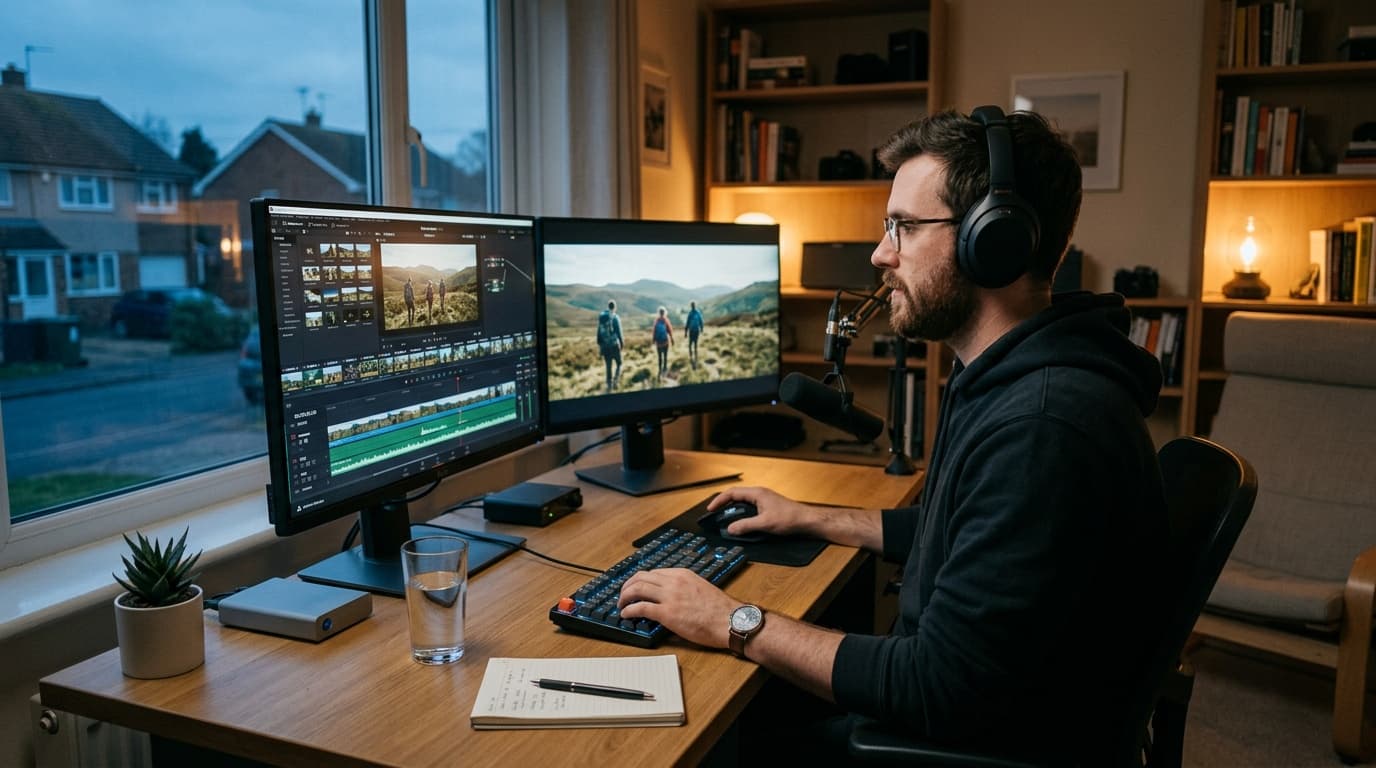
Short answer: no, not the way an agency needs. ChatGPT and Claude are excellent at the words around a video: the script, ten hook options, caption drafts, and turning a client's four-minute voice note into a clean list of changes. They can't open your Premiere or Resolve project, cut the sequence, render a file, license a track, or remember that this particular client rejected the warm grade twice last month. The part of editing that costs an agency money happens outside the chat window.
I use Claude every day, and I'm not writing this to talk anyone out of it. I'm writing it because I keep seeing the same Tuesday play out at agencies we work with. The client sends fourteen notes. The editor pastes the transcript into a chatbot and gets back a beautiful numbered list. Then the editor opens the timeline and does all fourteen by hand, exactly as before. The list got nicer. The work didn't get smaller.
What a chatbot is genuinely good at
Give credit where it's due. For a video team, a general model is worth paying for if you use it for:
- Scripts and outlines. A first draft of a 30-second ad or a talking-head structure, written to a word count.
- Hooks. Twenty openings for the same video, so the strategist picks the three worth testing.
- Captions and titles. Variants per network, rewritten for length.
- Feedback cleanup. “Can we make it pop more, and the guy at the start, not him, the other one” turned into something an editor can act on.
- Shot lists and B-roll ideas for a shoot that hasn't happened yet.
Every one of those is text in, text out. That is the boundary, and it explains everything below.
Where it stops: six walls a chat box can't get through
1. It can't open your timeline
A model can write you a shot list. It can't move a clip. Yes, you can get one to write a script that renames bins in Resolve or batch exports from Premiere, and that's useful, but it's automating a menu. Trimming the pause before the CTA, swapping the second take, nudging the logo two frames left: that needs something that works on the actual sequence.
2. It can't render or hand you a file
Even when a chatbot describes the perfect edit, nobody gets an export. Someone still has to build it, render it, upload it, and tell the client it's ready.
3. It can name a song, but it can't license one
This is the one that bites agencies. A model will happily recommend a track that fits the mood. Recommending isn't clearing. Use a song that isn't licensed for commercial or paid-ad use and the post can get muted or claimed after it's live, on the client's account, which is the worst possible place to discover it.
4. It forgets the brand every chat
Chat tools have added memory and project folders, and they help. But they remember what you paste in. They don't know which cut the client approved in June, which caption style they pushed back on, or that their legal team bans the word “guaranteed”. Your agency's real brand knowledge lives in two years of approvals and revision notes, and none of it is in the chat.
5. It has no client rulebook to check against
Most embarrassing notes aren't creative. “You spelled my name wrong.” “The link in the end card is our old domain.” A chatbot can't catch those because it never sees the finished video against the brand's facts. We wrote a whole checklist of the QC checks every video should pass for exactly this reason.
6. It doesn't run versions or approvals
There's no v1 versus v2, no record of who approved what, no client sign-off, no link between the cut and the post it becomes. An edit is one step of the job. The brief, the review, the approval, the publishing and the analytics still need a home.
What about the AI tools that do touch video?
They exist and some are very good. Text-based editing in Descript and Premiere, auto-captions in CapCut, generative fills and extensions in the big editors. If you're a solo creator, those may be all you need, and I'd tell you to use them.
The gap for an agency is context. Those tools work on a file. They don't know about the client, the brief, the notes from round two, or whether this version has been approved. So the producer is still the glue between the AI and the job.
How Timeliner's AI editing does the job end to end
We built AI video editing into the place where the review already happens, because that's where all the context lives. The loop looks like this:
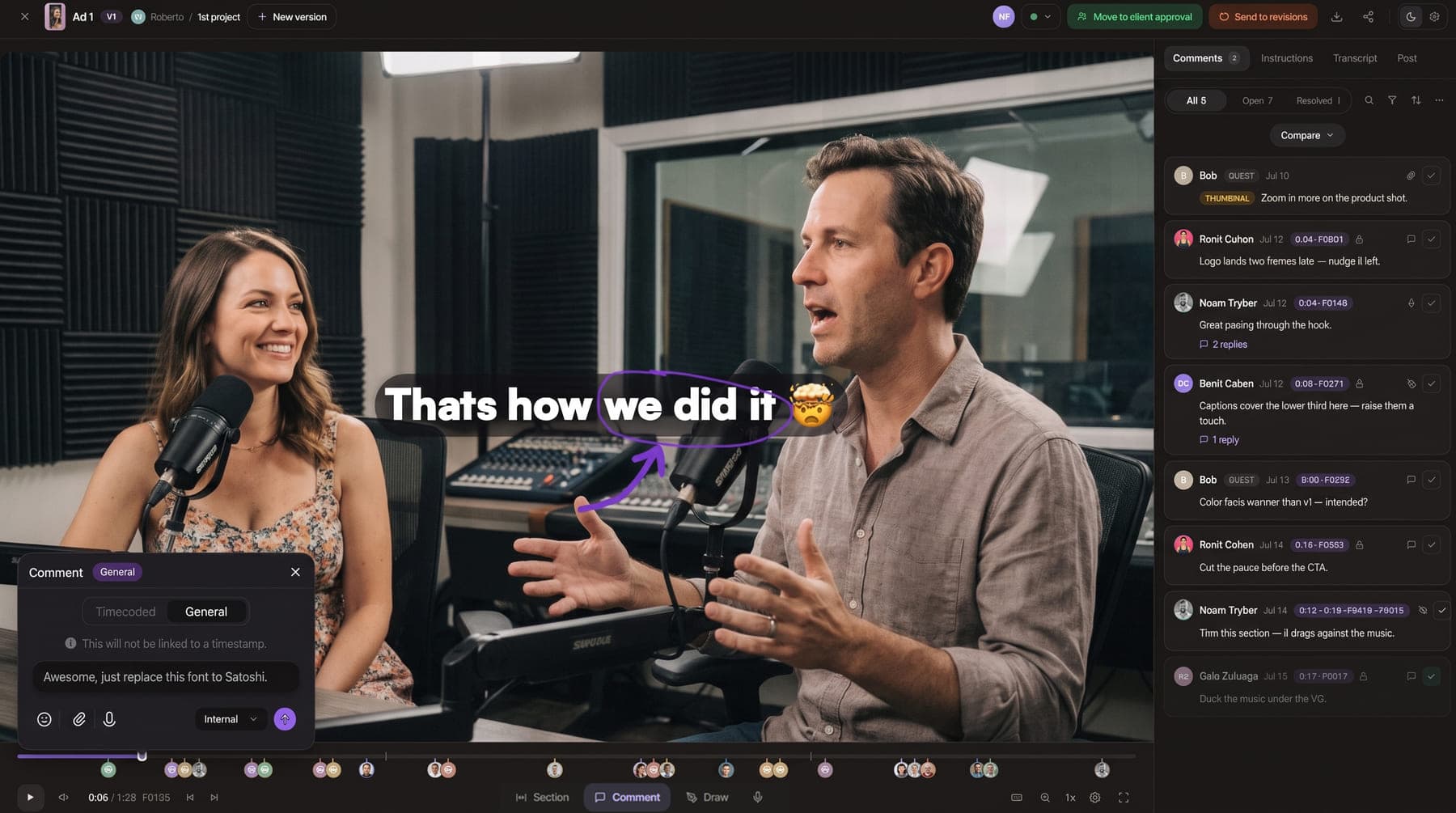
- The client leaves time-coded notes on the cut in their portal, the same way they always have.
- The agent reads the brief and every note, tied to the frame it was left on.
- It applies the changes: trims, swaps, cuts in B-roll where a line needs cover (generated or pulled from your own footage), grades for consistency with skin tones protected so faces don't drift orange or grey, and mixes licensed music and SFX under the voice.
- It runs AI QC against the brand's rules before anyone sees the result.
- It uploads the next version on the same task, so v2 sits next to v1 for comparison.
- Your editor takes it from there: polishes it in Timeliner, or round-trips it to Premiere Pro or DaVinci Resolve.
Underneath it is the Brand Brain: what each brand's names, links, banned words and style actually are, learned from its videos and from what your team marks. That's the memory a chat window doesn't have, and it's why the edit comes back looking like your agency rather than like a template.
What I'd still keep a person for
The story. The first cut on a brand-new client. The call on whether a joke lands. Telling a client, politely, that their idea will hurt the video. Think of AI editing as a junior editor who never forgets a note and works at 3 a.m., not as a creative director. The point is to free your senior editors for the 20% of the cut that decides whether it works.
A practical split
- Use ChatGPT or Claude for: scripts, hooks, caption variants, cleaning up feedback, pre-shoot planning.
- Use AI editing in your production system for:applying notes, B-roll, grade, music and SFX, QC, and the next version.
- Keep your editors for: story, taste, and the final call.
If you want to see where this sits in a full delivery pipeline, I wrote up how agencies deliver more videos without hiring. Plans and AI credits are on the pricing page, and if your bottleneck is the editors themselves, our guide to working with video editors is a good next read.